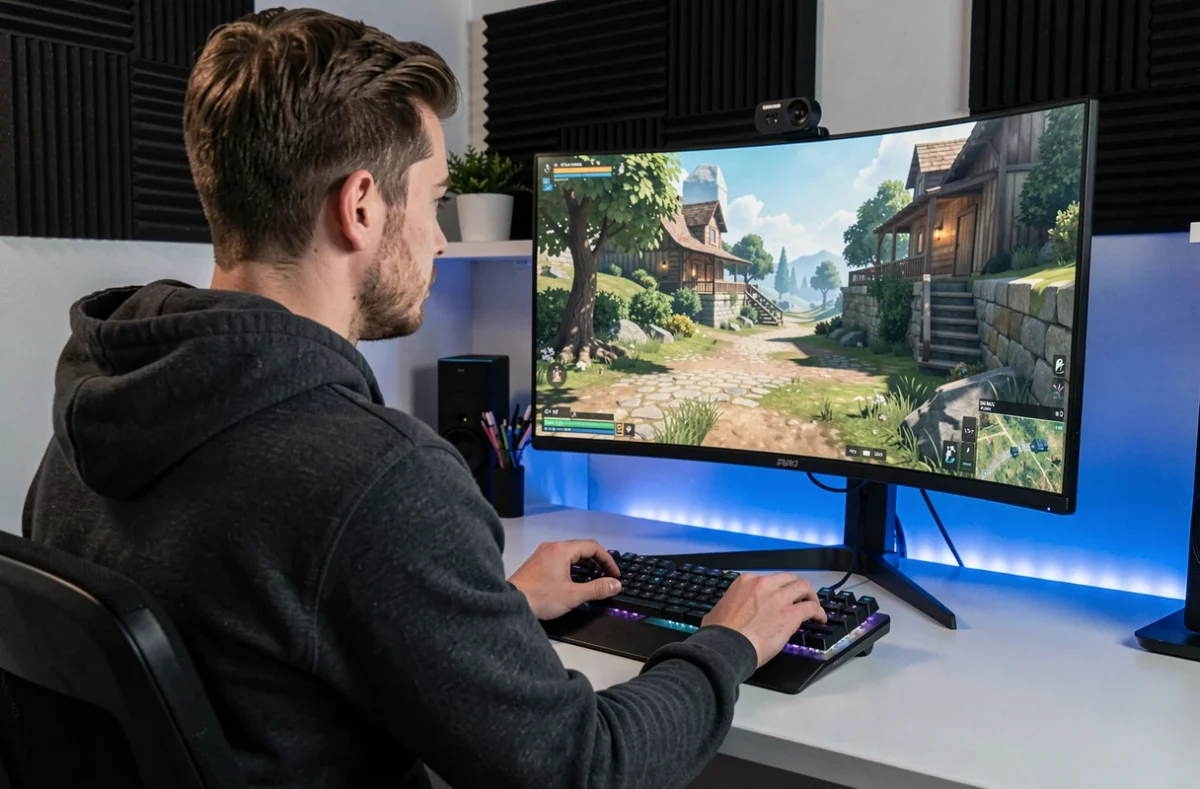
The choice between WQHD and 4K for gaming comes down to a direct trade-off: the higher resolution promises a sharper image, but requires a significantly more powerful setup to maintain smooth performance.
Versatile gaming monitor: text rendering makes all the difference
Most comparisons focus on pixel count and fps. One important factor is often overlooked when a monitor is also used for work, coding, or reading: pixel density directly affects text sharpness.
At the same screen size, 4K offers significantly higher pixel density than WQHD. The difference becomes noticeable as soon as you open a document or code editor.
OLED panels introduce another factor. Their subpixel layout can create colored fringes around characters. How visible these are depends on the model, pixel density, and intended use.
A 27-inch WQHD OLED monitor, with its lower pixel density, makes these fringes more noticeable than a 4K OLED of the same size. If you switch between long gaming sessions and extended reading, checking how text looks on an OLED panel before buying can help you avoid an unpleasant surprise.
You can explore the differences between WQHD and 4K for gaming from a purely technical perspective, but everyday reading comfort is also worth considering from the outset.
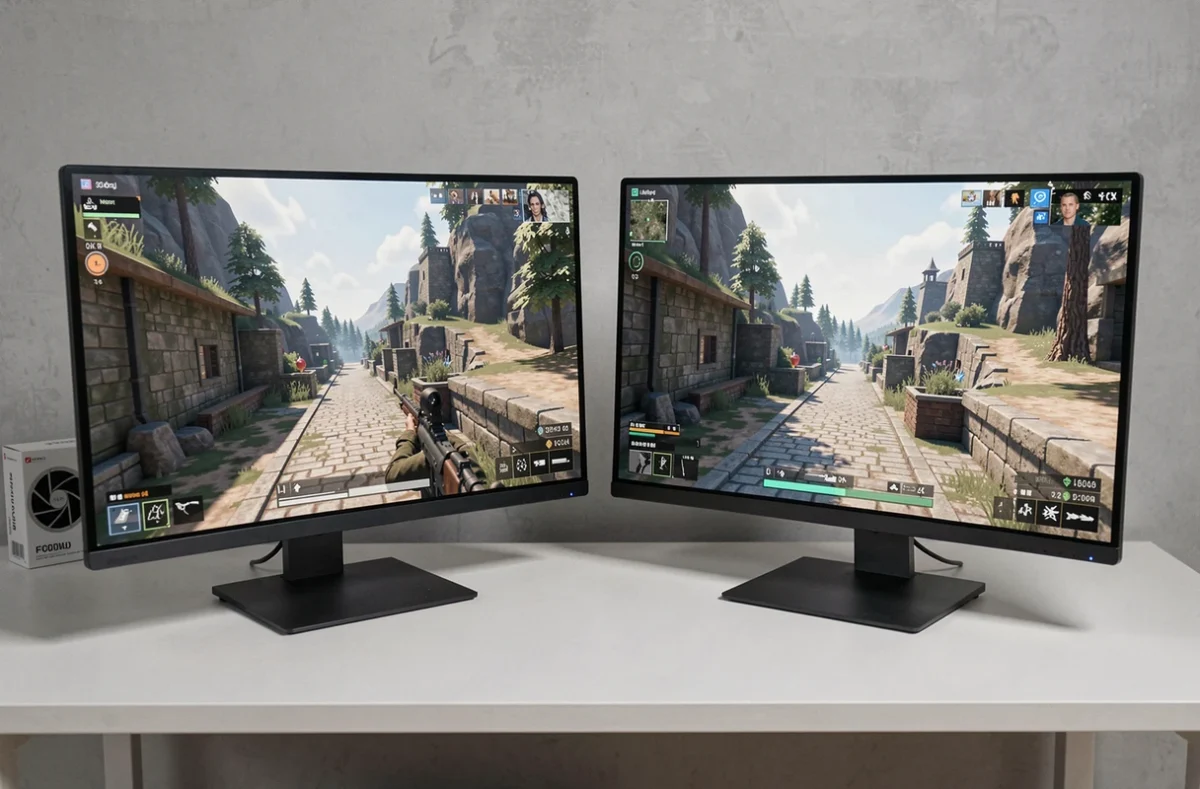
Graphics card and high-refresh-rate 4K: check the entire connection chain
Buying a 4K 144 Hz monitor doesn’t guarantee you’ll actually be able to take full advantage of it. The graphics card needs to deliver enough frames, but that’s only part of the equation. The monitor port, GPU, and cable must all support the required bandwidth.
DisplayPort 2.1 specifications vary depending on the data-rate levels defined by the standard. A cable or port that supports 4K may still limit the maximum effective refresh rate. You could end up with a 4K 144 Hz monitor capped at 120 Hz or even lower, without knowing why.
What to check before buying a 4K gaming monitor
- The exact DisplayPort or HDMI version on both the GPU and monitor—not just the standard number, but also the supported data-rate level
- The certification of the cable you plan to use: a DisplayPort cable that isn’t certified for the required data rate can cause artifacts or force a lower refresh rate
- Actual compatibility between the source and the monitor, which you can check in your operating system’s display settings or through the monitor’s OSD
With WQHD, bandwidth constraints are rarely an issue. That’s a practical advantage of WQHD: less technical friction between the GPU and monitor.
WQHD or 4K for different types of games: smoothness versus immersion
In a competitive FPS, every millisecond of display latency matters. A 240 Hz WQHD monitor powered by a mid-range GPU offers a measurable responsiveness advantage over a 144 Hz 4K monitor that struggles to exceed 90 fps under the same conditions. NVIDIA DLSS or AMD FSR can help compensate, but upscaling introduces a slight blur that can be a drawback in fast-moving scenes.
For a story-driven single-player game or an open-world RPG, 4K really comes into its own. The detail in environmental textures, the clarity of interface elements, and the visual depth make up for losing a few fps. This is an experience where you stop to admire the scenery, not a duel where reaction time takes priority.
The case for ultrawide monitors
A format such as 5120 x 1440 (32:9 super ultrawide) aims to offer the best of both worlds: a wider field of view at WQHD resolution, without the GPU load of standard 4K. Reviews of the Samsung Odyssey OLED G9 show that this format has its limitations.
VRR flicker has been reported in dark scenes, along with visible text fringing. Consoles don’t display in super ultrawide, so the image ends up framed by black bars on the sides. Ultrawide remains a PC-only choice, best suited to players who don’t use a console with the same monitor.
GPU setup and gaming resolution: what budget gets you what results
4K requires significantly more raw processing power than WQHD. In practice, maintaining high graphics settings and a stable frame rate at 4K calls for a current high-end GPU, whereas a mid-range GPU is enough for WQHD.
- At WQHD, a recent mid-range GPU can deliver competitive frame rates in most AAA titles without relying on upscaling all the time
- At 4K, upscaling (DLSS, FSR, XeSS) becomes almost essential for smooth performance in demanding games, which puts the benefits of native resolution into perspective
- The total cost (GPU + monitor) of a high-refresh-rate 4K gaming setup is considerably higher than that of a powerful WQHD setup, not including a certified cable and compatible port
Budget considerations go beyond the purchase price. A less heavily loaded GPU uses less power and generates less heat, which affects your setup’s noise levels and component lifespan. For a quiet setup, WQHD offers more headroom than 4K at the same price.
Ultimately, the choice between WQHD and 4K for gaming depends on how you’ll actually use the monitor. For a competitive or versatile player who also works on their monitor, a 27-inch WQHD display remains the most balanced choice for smoothness, text rendering, and price. 4K is well worth it if you prioritize visual immersion in single-player games, have a high-end GPU, and have checked that your entire connection chain can keep up.